
How to import
How to import an item into the game
From the download here to the item in your library, in under a minute. These are the real screens of the game.
- Step 1
Download the item
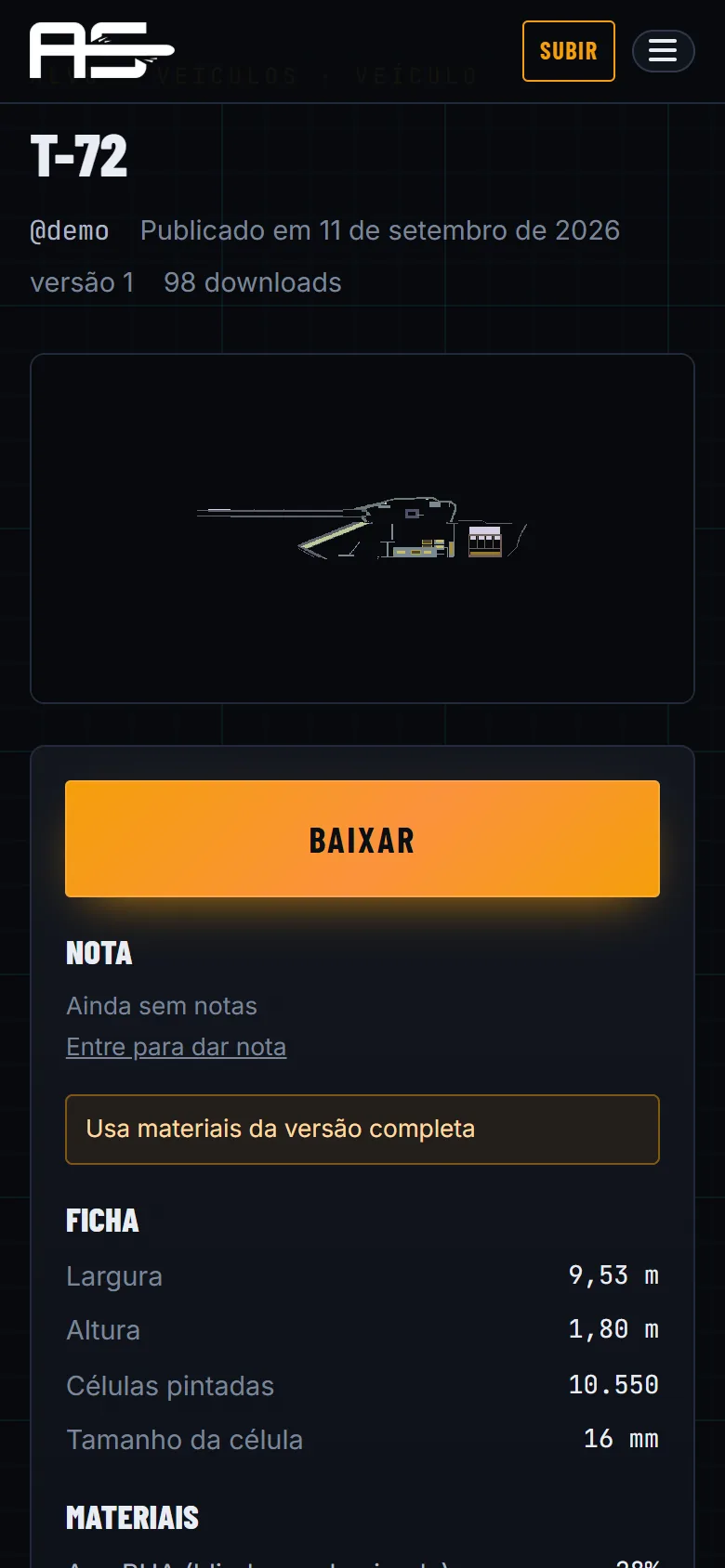
Open the item here in the workshop and tap Download.
- Step 2
Find the file
Safari asks whether to download it: tap Download. The file goes to the Files app, in Downloads.
- Step 3
Open the library in the game
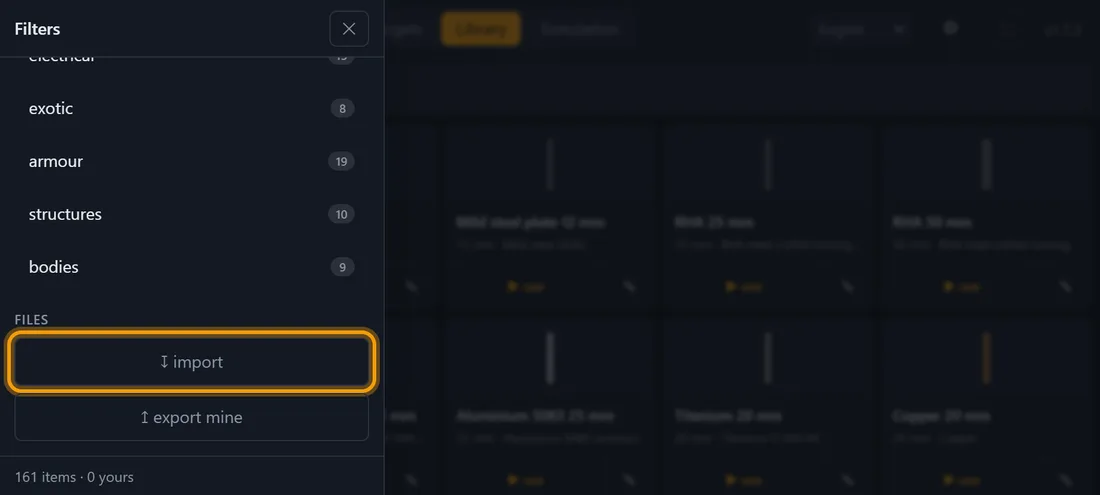
Open Armor Sandbox, tap Play now and then Library. Tap the ☰ button at the top left and, at the end of the panel, Import.
- Step 4
Pick the file
The Files picker opens: tap Browse, open Downloads and tap the file that ends in .armorsandbox.json.
- Step 5
Done: it is in your library
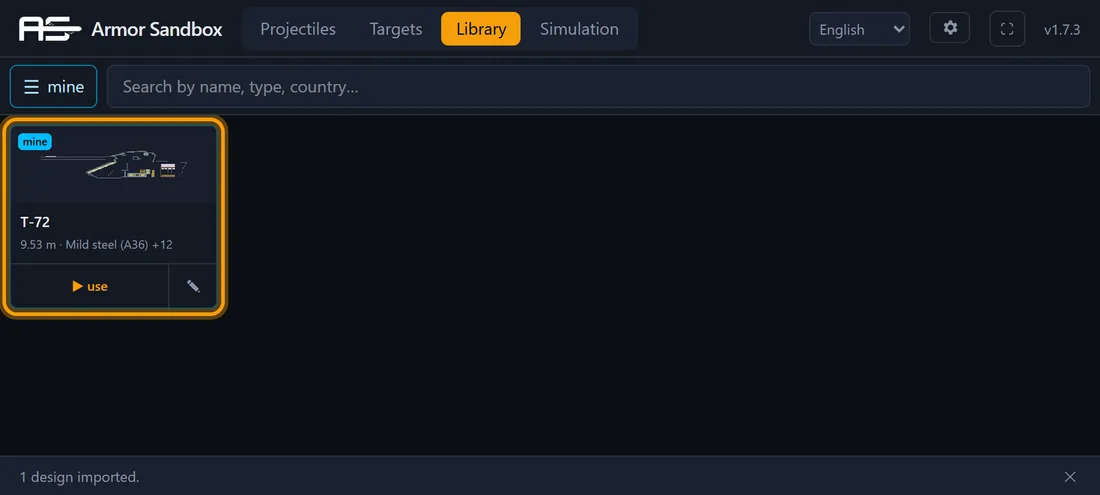
The item shows up in the mine group. Tap use to put it in the simulation and fire at it.
- Step 6
Got a new version?
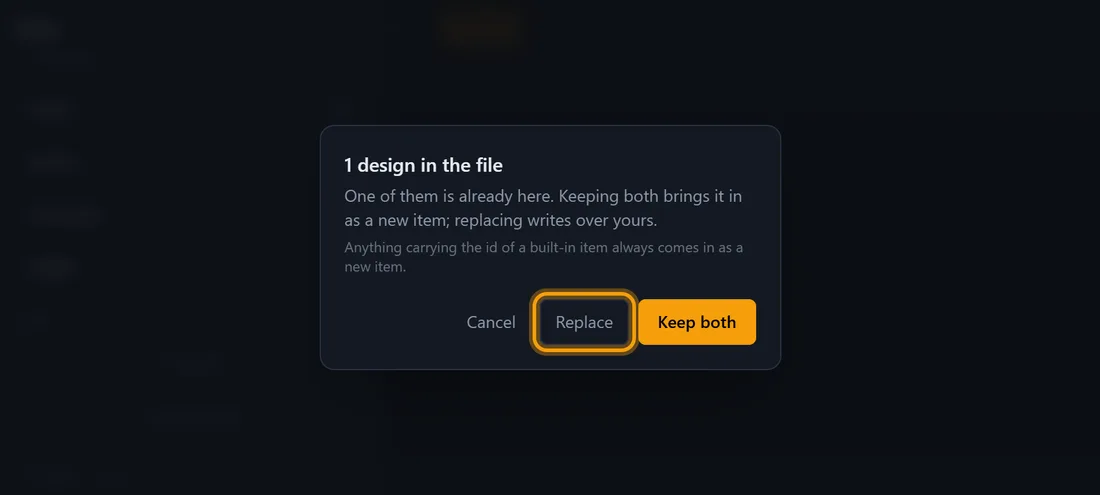
Download it again and import it the same way. When the game asks, choose Replace, and your copy is updated in place.
The free version holds up to 5 projectiles and 5 targets of your own. The full version and the PC version have no limit.